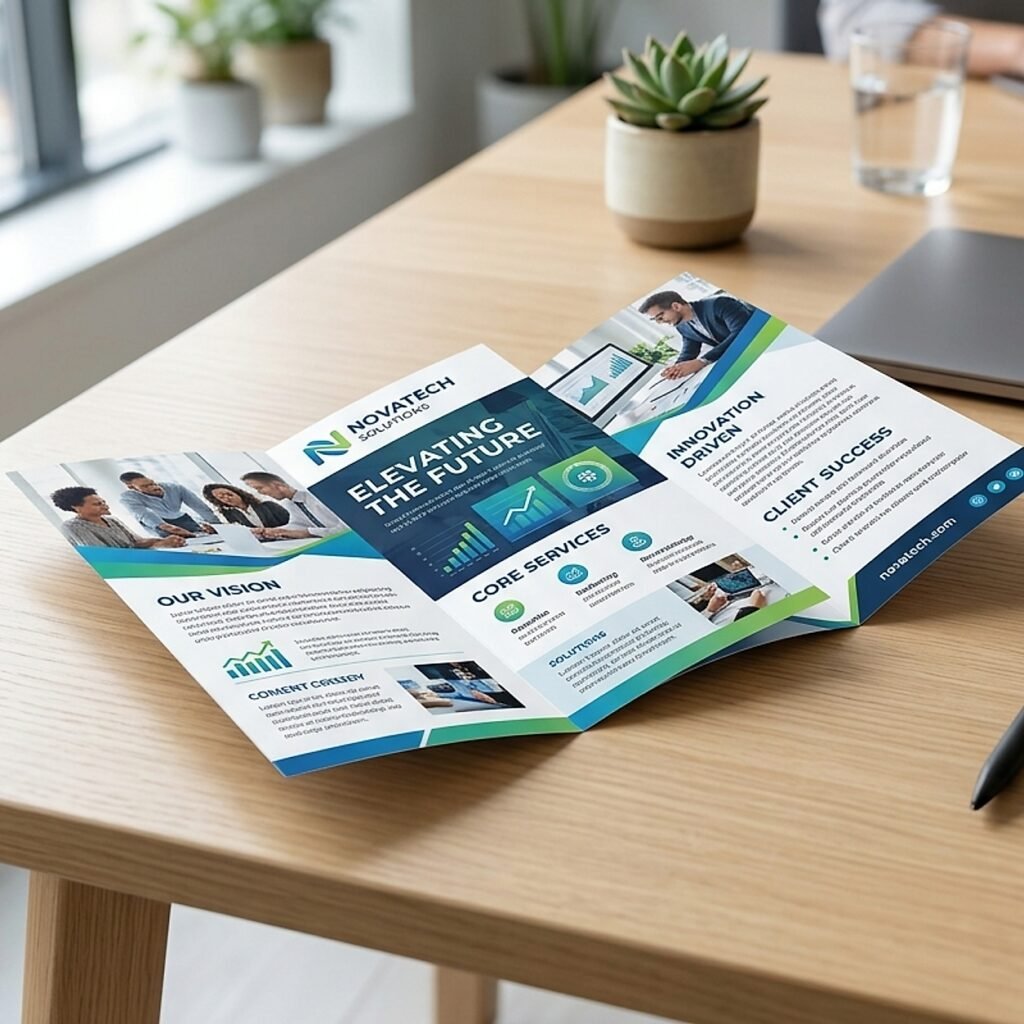
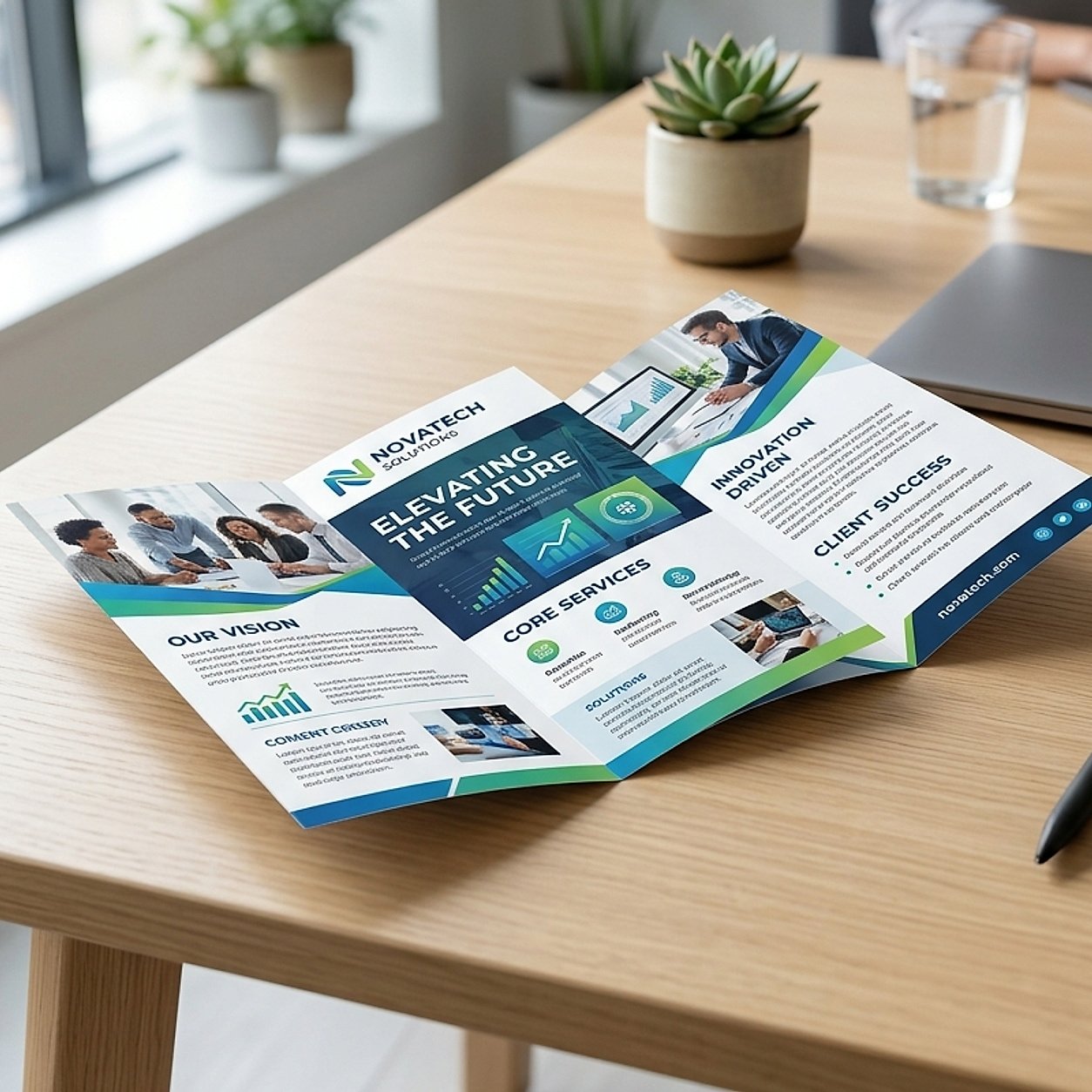
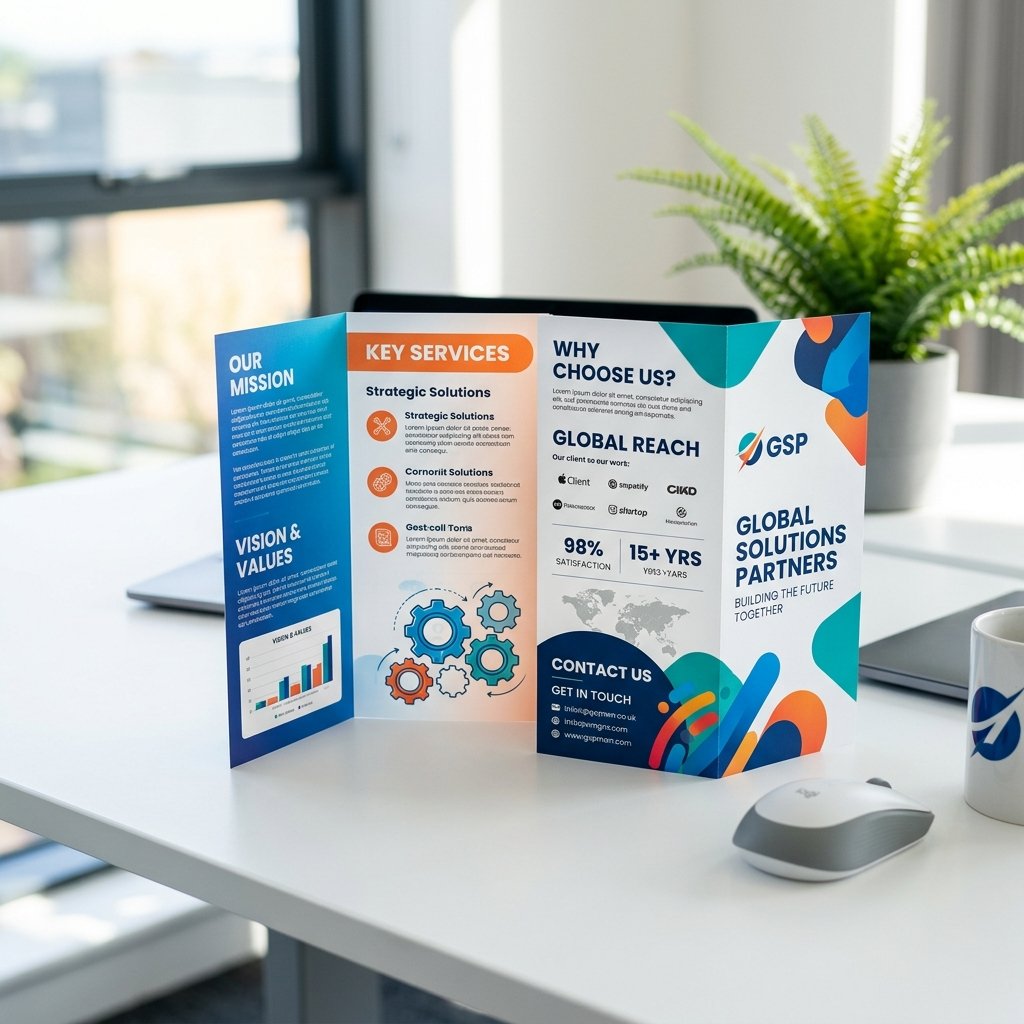
Create professional brochures to showcase your business, products, services, and corporate portfolio in an attractive printed format. Choose from A4, A5, A3, DL and custom dimensions with premium Art Paper from 130 GSM to 300 GSM. Available in Bi-Fold, Tri-Fold, Z-Fold, and Gate Fold configurations with full custom artwork upload and dedicated design assistance.
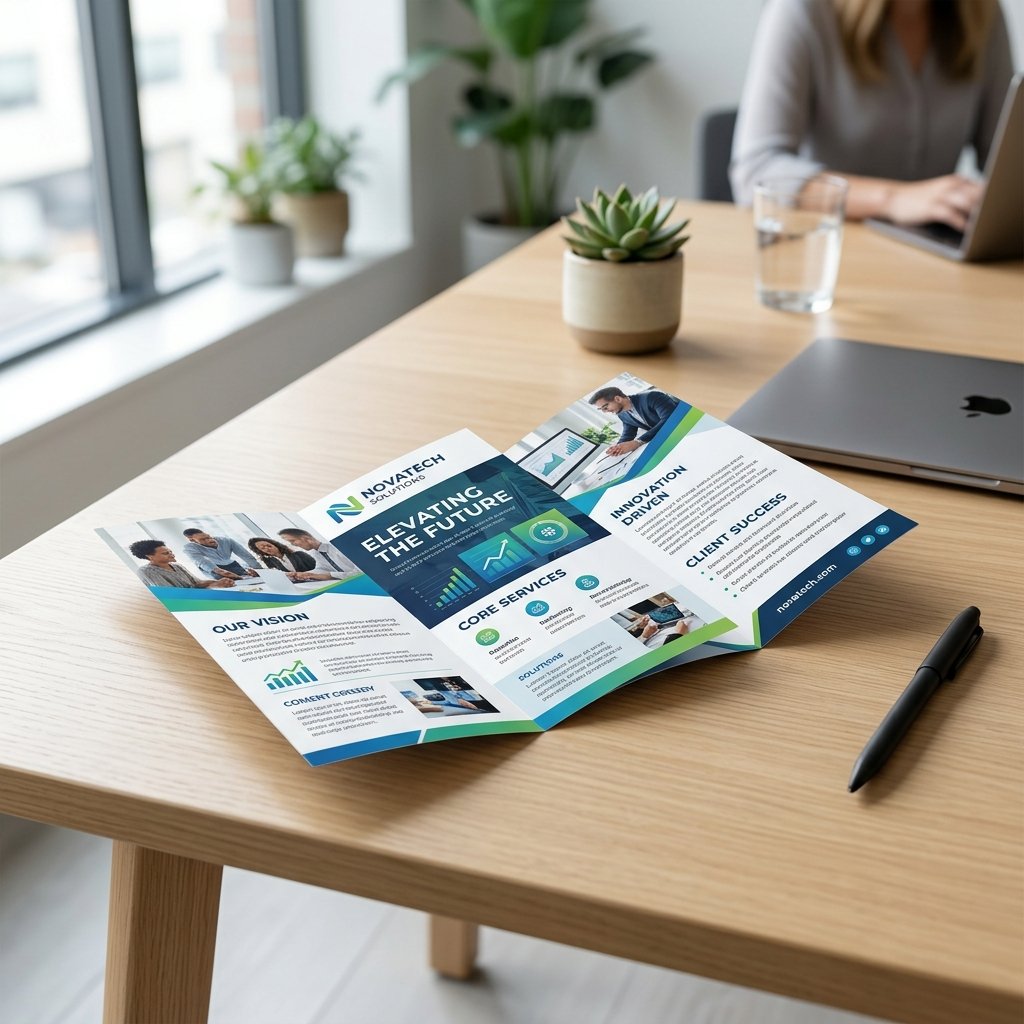
Custom Brochures
Product Highlights & Specifications
- Premium Folded Brochure Printing – Create professional brochures to showcase your business, products, services and important information in an attractive printed format.
- Multiple Brochure Sizes – Choose from A3, A4, A5 and DL sizes to suit different marketing and communication requirements. Custom dimensions can also be requested.
- Quality Art Paper Options – Choose from 130 GSM to 300 GSM Art Paper. Different GSM options provide different paper thicknesses and handling characteristics.
- Multiple Folding Styles – Select Bi-Fold, Tri-Fold, Z-Fold or Gate Fold layouts to organise information and present your content effectively.
- Professional Printed Designs – Create visually attractive brochures using professional layouts, brand colours, images and business information.
- Ideal for Business Promotion – Suitable for company profiles, product catalogues, service information, corporate presentations, promotional campaigns and marketing activities.
- Custom Artwork & Design Support – Upload your own print-ready artwork or request design assistance to prepare your brochure layout.
- Bulk Printing Orders – Available from a minimum order of 1,000 brochures, making them suitable for business promotions and larger marketing campaigns.
Need help or have a query? Call or WhatsApp +91 8469094044
Brochure Size
A4 – 210 × 297 mm
A5 – 148 × 210 mm
A3 – 297 × 420 mm
DL – 99 × 210 mm
Custom Size
Paper Type & GSM
Art Paper – 130 GSM
Art Paper – 170 GSM
Art Paper – 200 GSM
Art Paper – 250 GSM
Art Paper – 300 GSM
Fold Type
Bi-Fold (4 panels)
Tri-Fold / Roll Fold (6 panels)
Z-Fold (6 panels)
Gate Fold (Inward Panels)
Artwork & Design Assistance
I have print-ready artwork
I need design assistance
Upload Artwork
Click to browse or drop file (PDF, JPG, PNG)
Supported formats: PDF, JPG, PNG (Print-ready PDF recommended)
Custom Quote
for 1,000 Brochures
Product Description
Artwork Guidelines
Please prepare your brochure artwork following these print specifications to guarantee razor-sharp reproduction, accurate colours, clean machine trimming, and precise folding alignment.
Brochure Bleed, Cut & Folding Layout Guide
Bi-Fold Layout: Single center fold crease dividing artwork into 4 equal panels (Front Cover, Back Cover, and 2 Inside Panels).
Tri-Fold / Roll Fold: Two parallel folds creating 6 panels. The inner flap is prepared ~2–3 mm narrower so it folds smoothly inside without buckling.
Z-Fold (Accordion): Accordion-style folding creating 6 equal panels. Each section opens in alternating directions like a concertina.
Gate Fold: Two outer panels fold inward toward the center like double doors, opening outward to reveal the large central spread.
Brochure Folding Guidelines
Tri-Fold / Roll Fold (6 panels)
Bleed: 3 mm
Trim: Cut Edge
Safe Margin: 3–5 mm inside
Crease / Fold: 3–5 mm clearance
Essential Artwork & Folding Preparation Rules:
- ✓ Arrange artwork according to the selected folding layout.
- ✓ Keep important text and images away from fold lines.
- ✓ Ensure panel dimensions are correctly aligned.
- ✓ Check front, back and inside panel arrangements before submitting artwork.
- ✓ For Tri-Fold / Roll Fold, ensure the folding panels are prepared according to the required folding sequence.
Extend background colours, images and artwork 3 mm beyond the final trimming edge to prevent unwanted white borders.
Keep important text, logos, contact details and other essential elements inside the safe area.
Prepare artwork in CMYK colour mode for professional printing.
Use high-resolution images and graphics to maintain sharp printing quality.
Upload print-ready PDF artwork. High-resolution JPG and PNG files may also be accepted.
Standard & Supported Artwork Dimensions
Available standard templates and custom width/height options
A4
210 × 297 mm
210 × 297 mm (Most popular commercial brochure size)
A5
148 × 210 mm
148 × 210 mm (Compact mini-brochure / program guide)
A3
297 × 420 mm
297 × 420 mm (Large format corporate presentation brochure)
DL
99 × 210 mm
99 × 210 mm (Standard rack brochure / envelope mailing size)
Custom Size
Custom dimensions tailored to your exact requirements
Frequently Asked Questions
Yes, our prepress team inspects your artwork and sends a free high-resolution PDF proof within 2 hours of order placement.
Select "Hire Our Designer" during customization or upload your logo/assets. Our senior graphic designers will craft an executive design for you.
Complementary Products
You May Also Like
Explore other premium business printing and corporate gifting products that pair perfectly with your order.