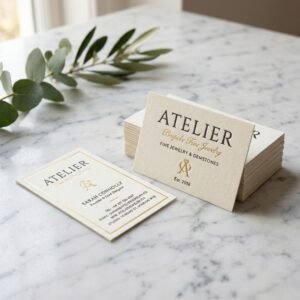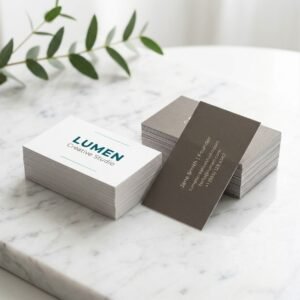
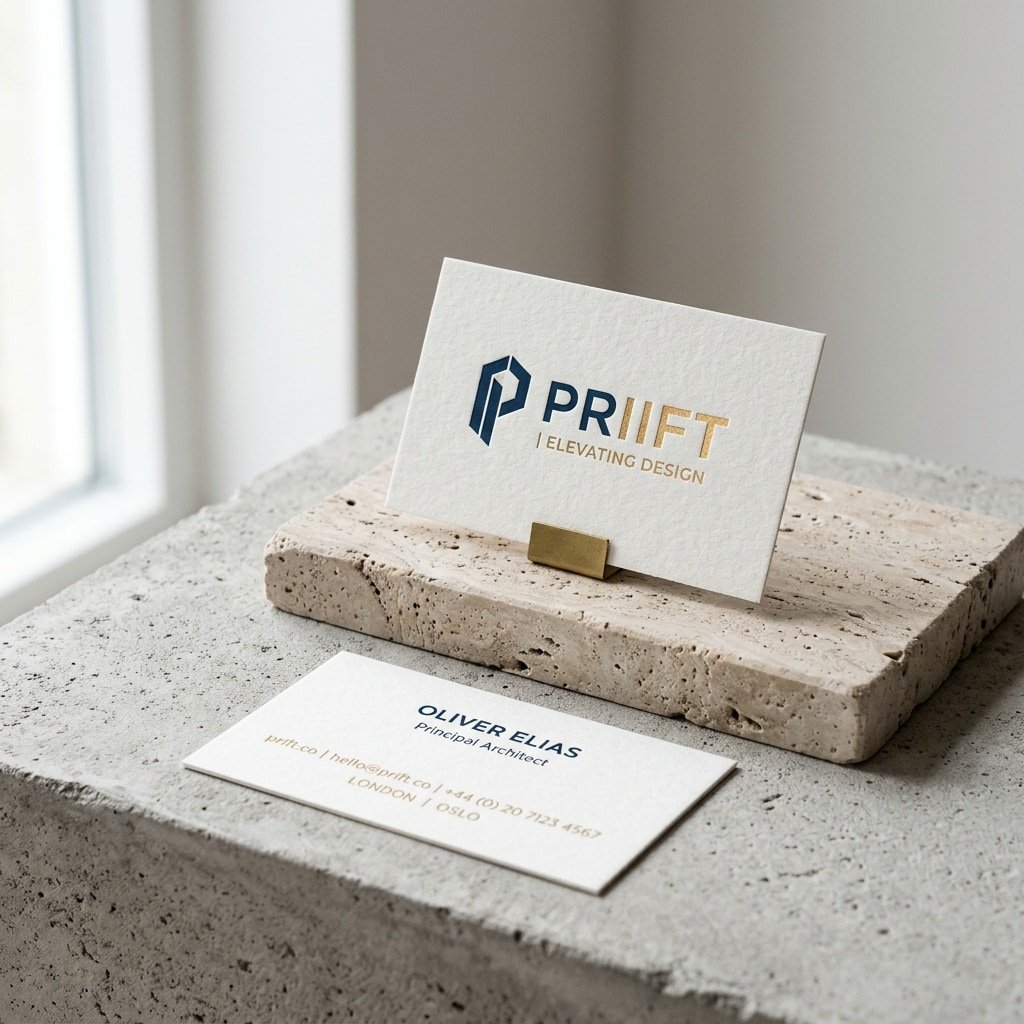
Simple, clean, and professional — our Classic Visiting Cards are printed on 250 GSM card stock with single-side printing, making them a practical choice Simple, clean, and professional — our Classic Visiting Cards are printed on 250 GSM card stock with single-side printing, making them a practical choice Simple, clean, and professional — our Classic Visiting Cards are printed on 250 GSM card stock with single-side printing, making them a practical choice
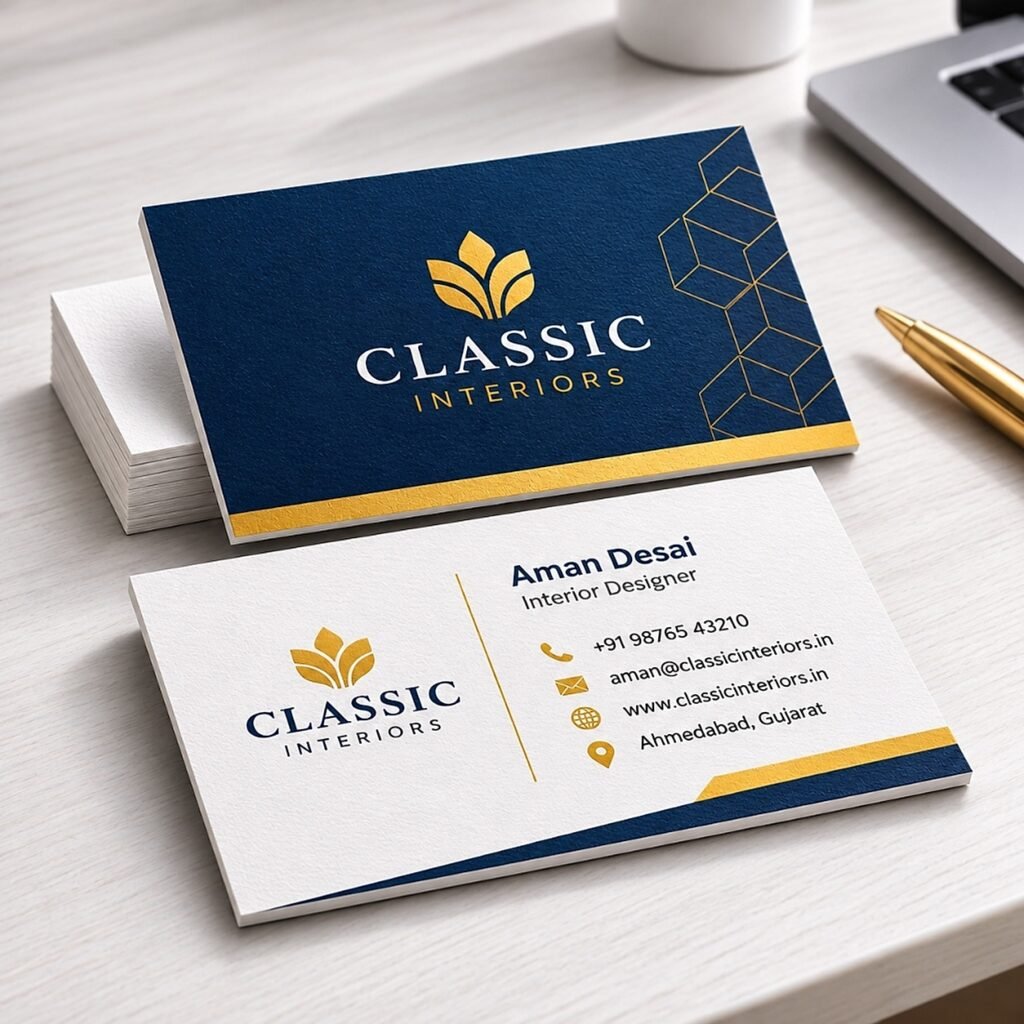
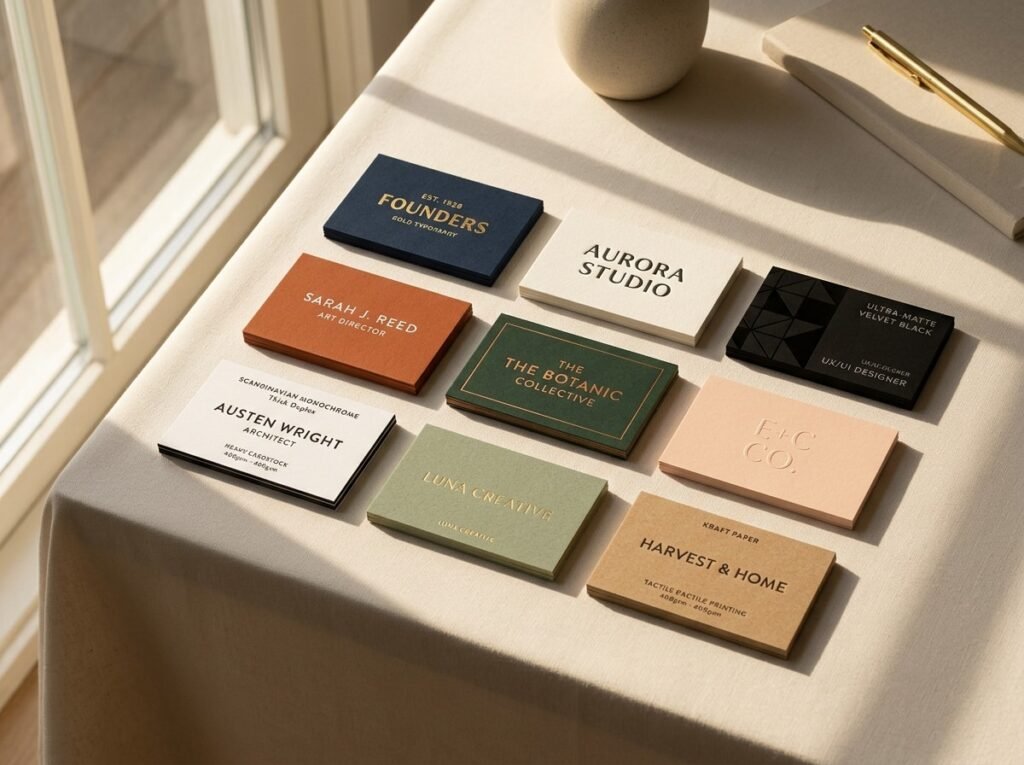

Classic
Product Highlights & Specifications
- Paper Stock: Standard 250 GSM smooth art cardstock offering a lightweight, clean, and flexible feel in hand.
- Surface Finish: Natural uncoated matte surface with zero plastic sheen, allowing effortless writing with ballpoint pens and pencils.
- Printing Quality: High-resolution digital offset printing delivering sharp typography, accurate color matching, and crisp line work.
- Standard Dimensions: Trimmed to standard 8.9 × 5.1 cm (3.5 × 2.0 inches) card profile, sliding easily into wallets and cardholders.
- Printing Options: Configurable in Single-Sided or Double-Sided printing to accommodate your logo, contact details, and QR codes.
- Ideal Applications: Perfectly suited for mass networking, retail store counters, service call slips, and promotional package inserts.
Need help designing your cards or any query call or Whatsapp +91 8469094044
Printing
Double Side
Single Side
Design Service
I Have My Own Design
Need a Design
Round Corners
No
YES
Upload Artwork
Click to browse or drop file (PDF, JPG, PNG)
Supported formats: PDF, JPG, PNG (Max size: 40MB)
Custom Quote
for 1,000 units
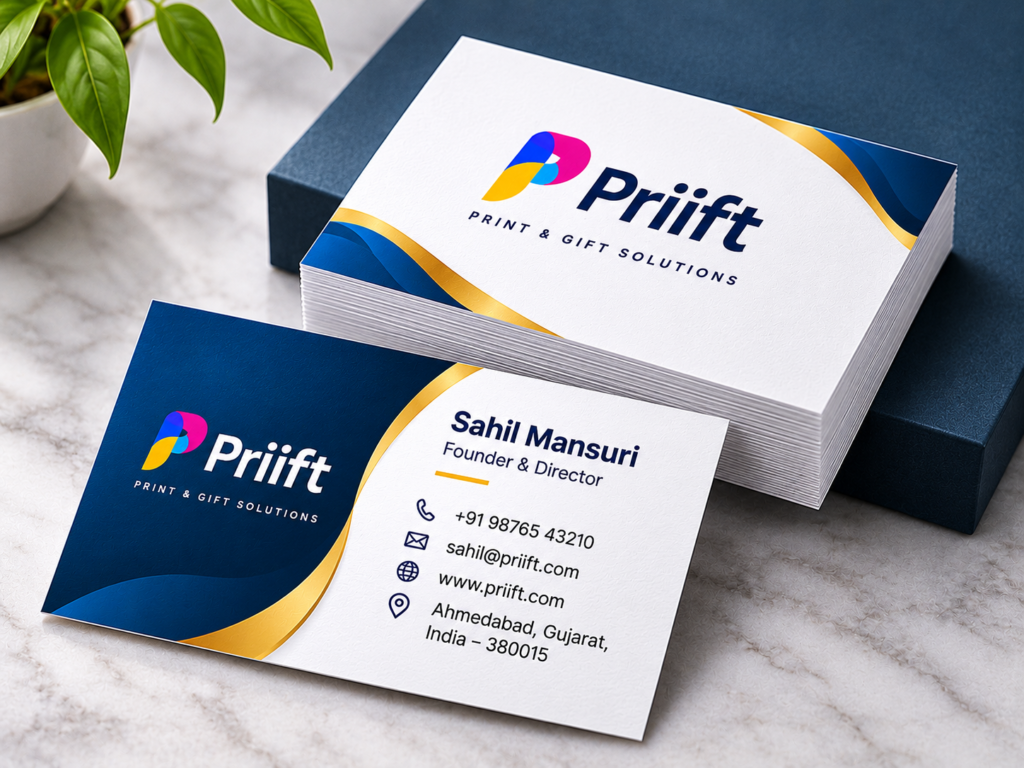
Product Description
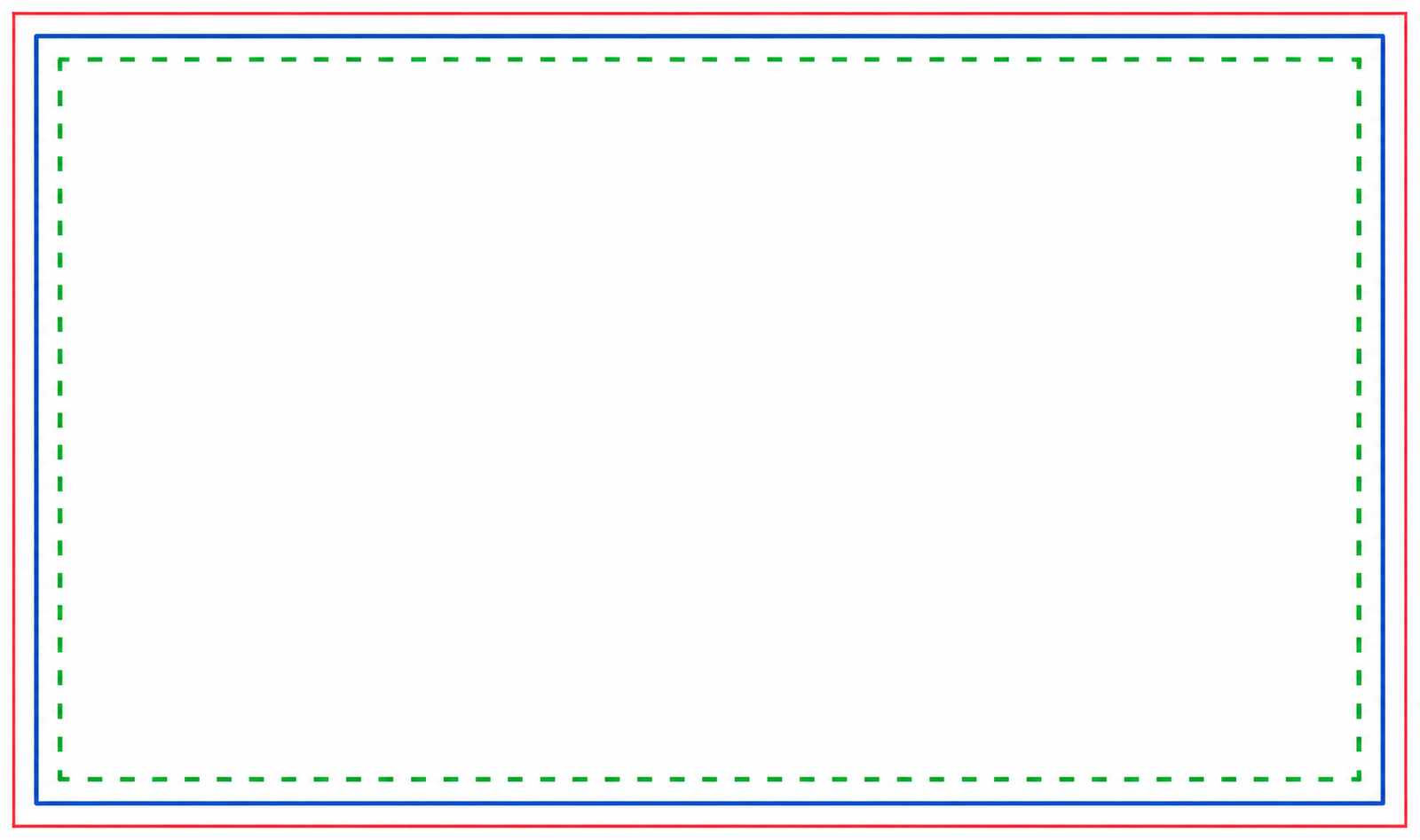
Design Specification
To avoid white edges, extend your design to the bleed line - but keep text and images within the safety area.
| Height | Width | |
|---|---|---|
| Bleed | 2.12 53.8 | 3.62 91.9 mm |
| Trim | 2" 50.8 mm | 3.5" 88.9 mm |
| Safety | 1.88" 47.8 mm | 3.38" 85.9 mm |
Artwork Guidelines
Please prepare your artwork following these print specifications to guarantee razor-sharp reproduction, accurate colours, and clean machine trimming.
Artwork Bleed & Safe Margin Guide
Bleed Area (+3 mm)
Trim Line (Cut Edge)
Safe Margin (3–5 mm inside)
Keep Logos & Text Here
Bleed: 3 mm
Trim: Cut Edge
Safety: 3–5 mm inside
Bleed Area (Red): Extend background colours and photos 3 mm beyond the cut line.
Trim Line (Blue): The exact finished boundary after machine cutting.
Safe Margin (Green): Keep all text, phone numbers, and logos at least 3–5 mm inside the cut line.
Use CMYK colour mode for accurate print colours. Convert RGB and Pantone spot colours prior to upload.
Use high-resolution artwork (minimum 300 DPI at 100% actual print size) for sharp imagery and clean text.
Print-ready vector PDF with fonts outlined or embedded. High-resolution JPG and PNG (300 DPI) also accepted.
Technical Specifications
- GSM: 250 GSM
- Printing: Single Side
- Material / Paper: 250 GSM
- Quantity: 1000
Frequently Asked Questions
Hello I am testing
Hello I am testing
Complementary Products
You May Also Like
Explore other premium business printing and corporate gifting products that pair perfectly with your order.